
Searching for the best Hisense TVs can feel overwhelming, but what if you could find incredible value easily? We’ve done the hard work to uncover the true champions, delivering breathtaking picture quality and smart features without the premium price tag. This guide eliminates the guesswork, making your decision simple and exciting. Let’s dive into the models that offer an unbeatable entertainment experience and find the perfect screen for your home today.
Contents
- Top 5 Hisense TVs:
- 1. Hisense U8 – Best Hisense TV Overall
- 2. Hisense U7 – Best Hisense TV for Gaming
- 3. Hisense S7N CanvasTV – Best Frame-Style Hisense TV
- 4. Hisense QD7 – Best Mini-LED Fire Hisense TV
- 5. Hisense QD6 – Best Budget Hisense TV
- Things to Consider Before Buying a Hisense TV:
- LED TV
- ULED TV
- OLED TV
- Screen Size
- Resolution
- Smart Features
- Refresh Rate
- Advantages of Hisense TVs
- Disadvantages of Hisense TVs
- Reading Reviews
- Checking Warranty
- Research Models
- Wall Mount vs. Stand
- Configuration Settings
- Final Words
Top 5 Hisense TVs:
1. Hisense U8 – Best Hisense TV Overall

If you’re after a bright, bold TV that gets movies, sports and games all right in equal measure, then the Hisense U8 is an easier top pick for you to make. Its Mini-LED Pro+ backlight and Full Array Local Dimming Pro employ over 2,000 local dimming zones to make blacks deeper and highlights sharper, while peaking at up to 3,000 nits ensures that the impact of HDR remains vibrant even in sun-filled rooms.
You see rich, accurate color and incredible detail with Color Volume 100%2, which shows no impact of color fading even in the brightest scenes.whelm you with a billion shades of QLED colors. That includes delicate gradients, realistic skin tones and bright primaries with no washed-out look. In terms of formats, Dolby Vision IQ enhances HDR scene by scene with the help of ambient light information, while Dolby Atmos contributes spacious, cinematic sound that puts you in the heart of the action.
Gamers, you’re covered. A fast native 144Hz panel with Game Mode Pro provides incredibly smooth gameplay, and VRR offers flexible calibration between 48—144Hz to prevent tearing. AMD FreeSync Premium Pro and Auto Low Latency Mode decrease judder and the delay between input lag so you get precision control.
The U8 won’t overwhelm your living room at 65 inches and has eyes-free connectivity with Wi-Fi, Ethernet, HDMI, USB and Bluetooth for soundbars, controllers and headsets. If you’re after a single TV that does great HDR for movies, keeps sports looking sharp and gives next-gen consoles what they need — without the obsession of endless tweaking — then* Hisense U8 delivers premium performance you can love every night.
2. Hisense U7 – Best Hisense TV for Gaming

If you’re in the market for a gaming TV that can keep up, the Hisense U7 has what it takes to get your setup on point. Its 65-inch QLED panel provides stunning 4K detail, and Wide Color Enhancer technology enhances contrast to intensify the colors on the screen. Local dimming whisks away blacks without washing out highlights, so that dark dungeons and bright skies are equally convincing. At 144 Hz, the action remains buttery-smooth – allowing you to track targets, read in-game information and respond quickly.
You’ll also enjoy Game Mode with Motion 240, where you can focus on precision and speed without motion blur on the screen. Your game is pulled right into the edge-to-edge screen with virtually No bezel — and lets you see every brilliant detail of the game world in Full HD. Several voice assistants offer hands-free control – open apps, change inputs, or adjust settings with your voice without missing a moment of the game.
You won’t lack for connectivity with your console, PC and streaming gear: just hook up via HDMI and USB, pair accessories through Bluetooth, plug in Ethernet for rock-solid stability or even access Wi-Fi for quick updates. The common 16:9 aspect ratio holds for most titles, so you’re seeing games as they were intended with no strange scaling issues.
If you want a TV that straddles the line between smooth gaming, vivid color and everyday convenience, this Hisense U7 gives you a confident upgrade for competitive nights and cinematic weekends in.
3. Hisense S7N CanvasTV – Best Frame-Style Hisense TV

If you seek a TV with the appearance of art and the performance of a pro display, then Hisense S7N CanvasTV was made for your space. You also get a 65-inch 4K QLED screen with Quantum Dot color that brings crisp detail and vibrant, lifelike hues. The Low-Reflection Hi-Matte display reduces glare, so your works of art and cinema classics don’t reflect light even in bright rooms.
When you’re not looking, Art Mode transforms your wall into a curated museum. Switch between a single piece or slideshow, then swap out the look at any time with the magnetic frame system (teak is included; optional white and walnut frames are available). The UltraSlim wall mount included bring the set flush for a clean, frame-style appearance that adds style to any room décor.
In game mode, this is Native 144Hz Game Mode PRO. 48–144Hz VRR, AMD FreeSync P remium Pro, ALLM and Low Latency MEMC help minimize artifacts and input lag — a new Game Bar allows for on-the-fly adjustments. Multi-Channel Surround Sound gives you added power and quality to your movie sound effects and more without the need for extra speakers of any kind.
Connectivity is easy, plugging in consoles and drives via HDMI and USB, pairing accessories over Bluetooth, and using Ethernet or Wi-Fi for streaming. There’s a widescreen 16:9 aspect ratio, so content looks great across the board.
For a frame-style TV that lifts the decor of both your room and slots and plays, it’s impossible to argue with the S7N.
4. Hisense QD7 – Best Mini-LED Fire Hisense TV
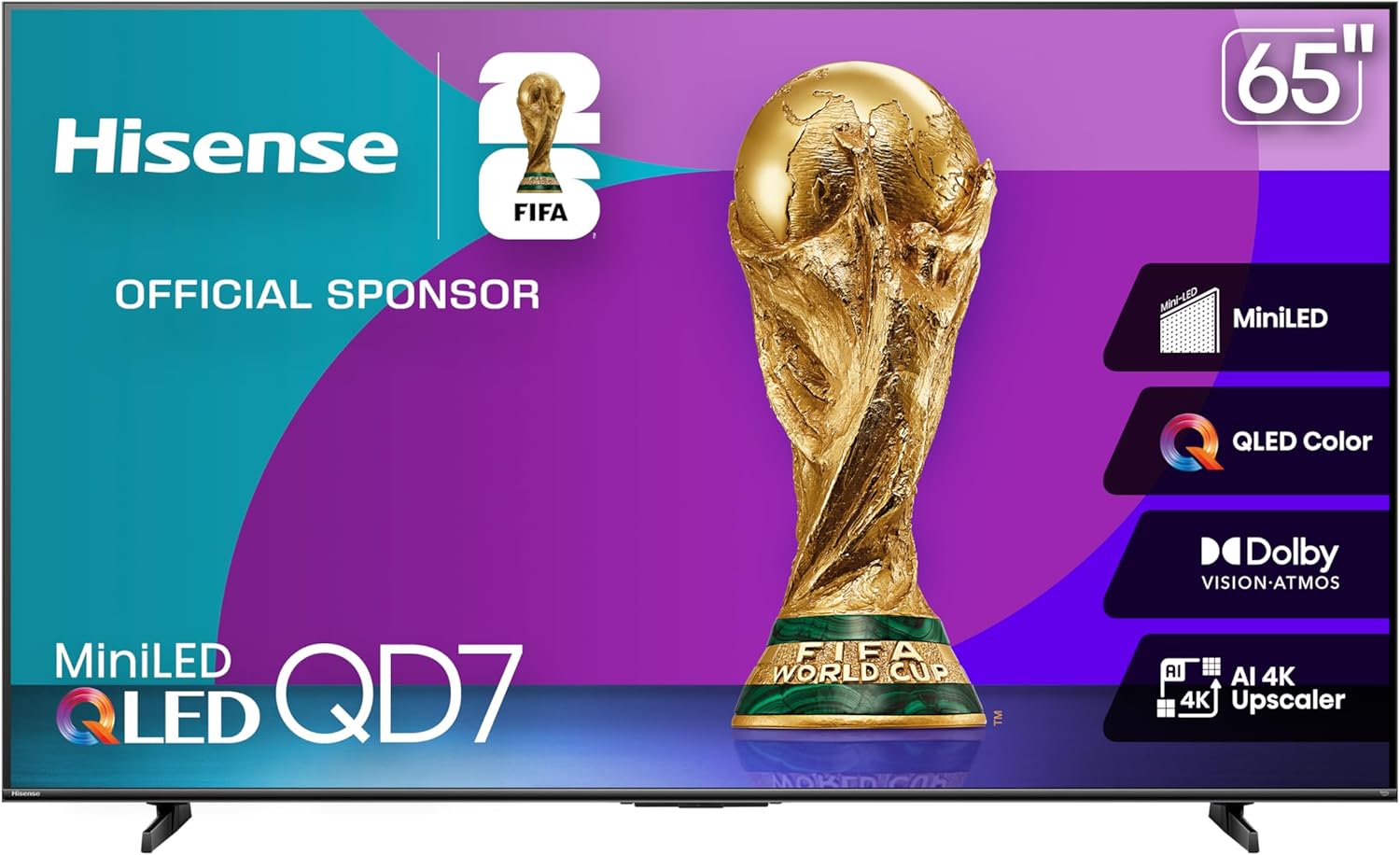
If you’re in the market for a vivid, cinematic smart TV that’s perfectly easy to live with, the Hisense QD7 is the sweet spot. This 65-inch 4K panel delivers punchy contrast — deeper blacks, cleaner highlights and less haloing thanks to its Mini-LED backlighting with Full Array Local Dimming at handsomely bright 600 nits provides a confidence-inspiring day-time watching experience. QLED color with Quantum Dot delivers over a billion shades, and the 43 inches smart TV offers stunning depth and contrast for pictures.
You’ll get a more intuitive experience with Fire TV: your personal favorite way to stream and live TV are right at the home screen, and you can even bring all of your connected smart devices together for one simplified view on the Fire TV Cube; powered by Alexa, press and ask to start or stop access entertainment, control smart home devices or add items to your shopping list.
Sports and action fans will appreciate the powerful image processing of Game Mode Plus included with Motionflow XR. And gamers will certainly love the reduced input lag (using Game Mode), as well as Playstaion Now for streaming PlayStation 3 games, each brought to you in smooth, life-like detail at 60 Hz. The AI 4K Upscaler enhances everything you watch on the Super Bigscreen, sharpening HD and older content to near-4K picture quality, improving textures, camera movements and edges so even old favorites look like new.
Configuration is simple and versatile: link consoles and players using HDMI and USB, pair headphones or a soundbar over Bluetooth, pick between Ethernet or Wi-Fi for stable streaming. The 16:9 aspect ratio is just about right for most content, and local dimming helps maintain uniformity across scenes.
If you want a Mini-LED Fire TV with good color, contrast and simplicity the QD7 is an easy choice for sports, movie and casual game night.
5. Hisense QD6 – Best Budget Hisense TV
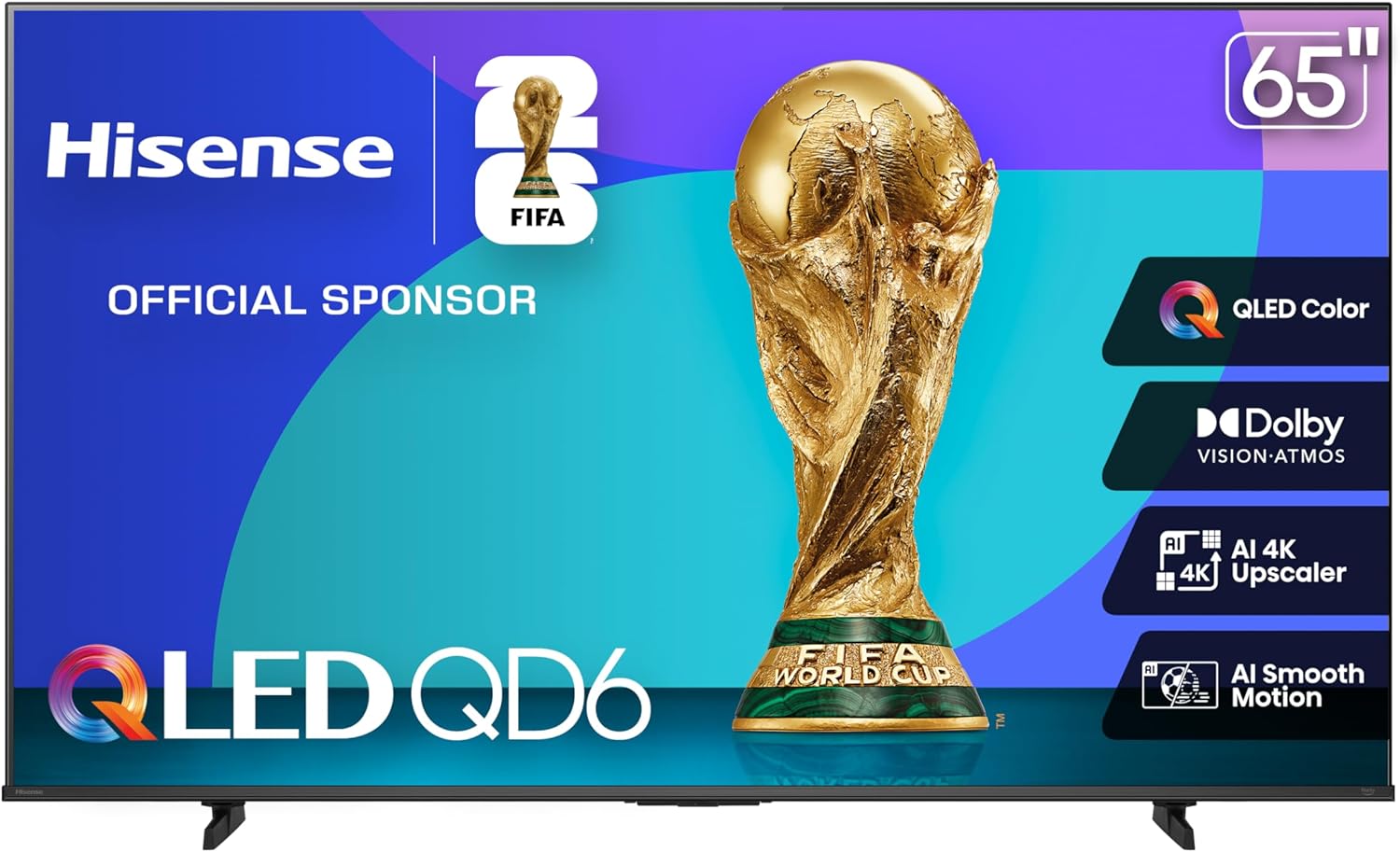
And if you’re in the market for a value-priced 4K TV that gets most of what’s important right, Hisense QD6 is certainly worth considering. QLED Quantum Dot technology delivers over a billion shades and 100% color volume so you watch for rich, saturated Color even in bright scenes. Dolby Vision HDR delivers enhanced contrast and works with Dolby Atmos to create a more immersive sound experience that envelops you in the entertainment you love.
You’ll get quick, hassle-free streaming with Fire TV. All of your favorite apps and live TV are in one place on Fire TV — the home screen. And because Alexa is fully integrated, you can also control smart home devices, check weather, and more even when the tv is off. For those in the Apple ecosystem, both AirPlay and HomeKit support means sharing from your iPhone or integrating with scenes is simple.
Everything you watch isn’t in native 4K. AI 4K Upscaler leverages machine-learning algorithms to help enlarge the edges and textures of HD content, so your favorite old movies / broadcasts / home videos look cleaner and more refined on your 65-inch panel.
Game Mode Plus is a gamers dream: Game Mode Plus Variable refresh rate and Auto Low Latency Mode reduce tearing and input lag for the smoothest game play on this 60 Hz monitor. Plug in consoles and soundbars with the HDMI, expand storage on USB, and play tanks with friends over Bluetooth multiplayer; Wi-Fi at home, stable yet portable.
If you’re looking for a more affordable upgrade boasting vibrant QLED colour, premium HDR formats, voice control and decent gaming essentials, the QD6 offers an all-round performance that’s easy to live with.
Things to Consider Before Buying a Hisense TV:
Just assess your viewing habits, room size, and lighting to pick the right screen size and panel type for a Hisense TV; check resolution (4K vs 8K), HDR performance, and refresh rate for smooth motion, test the Roku/VIDAA smart platform for app support, verify available HDMI/ARC/eARC ports and gaming features like VRR/ALLM, evaluate built-in audio and warranty options, and balance features against budget to ensure you get the best value.
LED TV
You’ll find Hisense LED models that prioritize affordability and brightness, typically offering 250–450 nits on midrange panels and edge‑lit or full‑array backlights; sizes commonly span 32″–75″, many include HDR10 and smart OS, and input lag around 10–20 ms on newer budget models makes them acceptable for casual gaming while keeping power draw lower than larger premium sets.
ULED TV
ULED combines quantum‑dot color, advanced local dimming, and sharper upscaling to deliver wider color gamuts and improved contrast over standard LED; you can expect peak brightness often between 600–1,200 nits on higher ULEDs, Dolby Vision support on many models, and variable refresh rates or game modes that reduce input lag into the low double digits.
Look for specifics like number of local dimming zones—hundreds on many full‑array models and far denser with Mini‑LED variants—plus MEMC motion processing and multi‑stage upscalers that improve 1080p to 4K clarity; if you game on a PS5 or Xbox Series X, ULED sets often balance brightness and contrast without the burn‑in concerns of self‑emissive panels.
OLED TV
OLED models deliver per‑pixel light control for true blacks and outstanding viewing angles, with newer panels reaching sustained HDR highlights in the several hundreds of nits and short peaks up to roughly 800–1,000 nits on some implementations; you’ll notice superior cinematic contrast for dark scenes and very low native motion blur, making them ideal for movie enthusiasts who value picture fidelity.
Be aware that OLED’s strengths include near‑instant pixel response and low input lag—often under 10 ms in game modes—while long‑term static‑image care (panel refresh features and varied content) helps mitigate burn‑in risk; if you use the set heavily for gaming and mixed content, OLED gives the best black levels but you should manage static HUDs and prolonged static screens.
Screen Size
Choose a size based on room and viewing distance: 43″ fits bedrooms, 55″ suits most living rooms, and 65″+ works for open-plan spaces; sit roughly 1.2–2.5 times the screen diagonal away (about 6–8.5 ft for a 55″) to balance immersion and clarity, and factor in mounting height so your eyes align with the top third of the screen.
Resolution
Most current Hisense lines use 4K (3840×2160) panels—yielding sharper text and better HDR detail—while 1080p appears only in budget models and 8K is limited to high-end flagships; ensure your sources and internet (≈25 Mbps for consistent 4K streaming) match the panel’s capability.
Hisense ULED TVs typically include upscaling engines, local dimming zones, and HDR support (Dolby Vision or HDR10+ on many models) to improve perceived detail; verify HDMI bandwidth—HDMI 2.1 is necessary for 4K@120Hz and advanced gaming features, whereas HDMI 2.0 constrains high-frame-rate inputs.
Smart Features
Decide between Vidaa OS (fast, lean) and Google TV (broader app ecosystem and Chromecast integration) depending on which apps and personalization you use; confirm native apps for Netflix, Prime Video, Apple TV, and built‑in voice assistant support to match your smart‑home setup.
Vidaa receives regular updates but has a smaller app library versus Google TV; prioritize Google TV if you rely on niche streaming apps or want a unified recommendations feed, and check for robust update policies, a responsive voice remote, and Wi‑Fi 5/6 for reliable 4K streaming.
Refresh Rate
Hisense offers 60Hz and 120Hz models; pick 120Hz if you play competitive games or watch fast sports to cut motion blur, and verify whether 120Hz is native (true panel rate) rather than achieved only by motion interpolation.
For gaming, look for HDMI 2.1 features—4K@120Hz, VRR (variable refresh rate), ALLM (auto low latency mode) and low input lag—while noting that MEMC/frame interpolation can smooth motion in video but may introduce unnatural artifacts, so test both game and movie modes.
Advantages of Hisense TVs
You get strong value and modern features: ULED/Quantum Dot color, Dolby Vision and HDR10+ on many models, and 4K panels with 120 Hz available in the U7/U8 series. Gaming performance can be excellent, with input lag often around 10–20 ms in Game Mode on higher-tier sets. Multiple OS choices (Roku, Google TV, Vidaa) mean you can pick the smart platform you prefer without paying a premium.
Disadvantages of Hisense TVs
Some models show uneven panel quality—entry-level sets frequently have peak HDR brightness under 500 nits while premium U8-class models can exceed 1,000 nits, creating a big performance gap. You may encounter edge-lit blooming, variable motion processing, and firmware that lags behind flagship brands. Typical warranty coverage is one year, so you should factor potential service limitations into your decision.
Digging deeper, you’ll find that firmware and app stability differ by OS and region: Roku/Google TV units often receive faster app updates than Vidaa models, and calibration out of the box can be off—greyscale and gamma sometimes need manual adjustment or a basic LUT. If you rely on dealer service or want consistent peak-HDR across a large screen, note that parts availability and authorized service centers are less extensive than for Samsung or LG, which can affect repairs and long-term ownership costs.
Reading Reviews
Scan professional tests for objective metrics: peak brightness (nits), contrast ratio, color accuracy (Delta E), HDR tone mapping and measured input lag. Use sites such as Rtings, RTings measurements, TechRadar and AVForums for lab data, then balance with user reports about firmware and app stability. Look for review videos that show blooming and uniformity under realistic content.
Filter user reviews by common failure patterns and sample size: multiple reports of the same issue (e.g., Wi‑Fi dropping or backlight bleed) signal a trend, while one-off complaints may be isolated. Prioritize reviews that include measurements or test clips, note the reviewer’s viewing environment, and compare lab numbers (delta E, nits, ms) across several tests to avoid outliers.
Checking Warranty
Confirm the length and scope: Hisense typically provides a one-year limited warranty covering parts and labor, while some retailers offer 2–3 year plans. Check whether the panel, backlight and dead pixels are explicitly covered and if in‑home service applies for larger sizes. You should factor potential repair costs into your decision, especially for older models with limited parts availability.
Read the fine print for exclusions, deductibles and claim procedures: verify if courier or in‑home pickup is covered, whether the warranty is transferable, and how long typical repairs take. If an extended plan costs more than 30–40% of a replacement TV’s price, you may be better off allocating that money toward a higher-tier model upfront.
Research Models
Compare Hisense ULED, QLED and Mini‑LED lines by contrast and peak brightness: many 4K models span 43″–85″, with flagship sets offering 120Hz panels and HDR formats like Dolby Vision and HDR10; check input lag (competitive gaming models are often under 20 ms in Game Mode), number of HDMI 2.1 ports, and whether Vidaa or Google TV is the OS to match your app ecosystem.
Wall Mount vs. Stand
You can save floor space and achieve a cleaner look with a low-profile wall mount, but verify stud spacing and VESA compatibility (common patterns: 200×200 for 43–50″, 400×400 for 55–65″) and allow 2–4 inches for ventilation; a stand gives easier access to rear ports and simpler cable routing, plus less permanent installation—choose a tilting or full-motion arm if you need vertical adjustment or swivel for multi-seat rooms.
Configuration Settings
Start with the Movie/Cinema picture mode for accurate color, set Color Temperature to Warm, adjust backlight to room lighting (50–150 nits for dim rooms, 300–400 nits for bright rooms), and set Gamma to ~2.2; enable Game Mode for consoles to reduce input lag (many Hisense models drop to under 20 ms), turn on HDMI ULTRA HD Deep Color for 4K/120Hz, and enable eARC for high-bitrate audio to your soundbar.
Fine-tune further by disabling excessive motion smoothing for films and using Local Dimming on Medium or High for better contrast; if you own a colorimeter (X-Rite i1Display Pro) or calibration service, target REC.709 for SDR and max HDR peaks per model spec (some Hisense models reach 1,000–1,400 nits peak); enable ALLM and VRR on consoles, and save custom presets for Game, Sports, and Cinema to switch quickly.
Final Words
Hence you should assess your viewing habits, room lighting, and budget while comparing picture technology, resolution, HDR support, smart platform, and connectivity options; test in-person for motion handling and sound, verify warranty and firmware update policy, and balance features against long-term value so you choose a Hisense TV that fits your setup, streaming needs, and maintenance expectations.
Leave a Reply