
As a student, having a reliable and powerful laptop is essential for academic success. Whether you’re taking notes in class, conducting research, or working on assignments, your laptop is your constant companion. With the abundance of options available in the market, choosing the right one can be a daunting task. In this blog post, we’ll explore the best laptops for students, considering factors such as performance, portability, battery life, and affordability. We’ll dive into the features that matter most for students, ensuring you can balance your academic demands with your budget. By the end, you’ll be equipped with the knowledge to make an informed decision and invest in a laptop that will support your educational journey and help you excel.
Contents
- Top 5 Laptops for Students:
- 1. MacBook Air – Best Laptop for Students Overall
- 2. Acer Nitro V 15 – Best Gaming Laptop for Students
- 3. Microsoft Surface Go 3 – Best 2-in-1 Laptop for Students
- 4. Apple MacBook Pro 16 – Best Powerful Laptop for Students
- 5. Acer Aspire Go 15 – Best Budget Laptop for Students
- Things to Consider Before Buying a Laptops for Student:
- Chromebooks
- Windows Laptops
- MacBooks
- Performance Specifications
- Battery Life
- Portability
- Specific Usage Needs
- Brand Reliability
- Software Updates and Security
- Conclusion
Top 5 Laptops for Students:
1. MacBook Air – Best Laptop for Students Overall
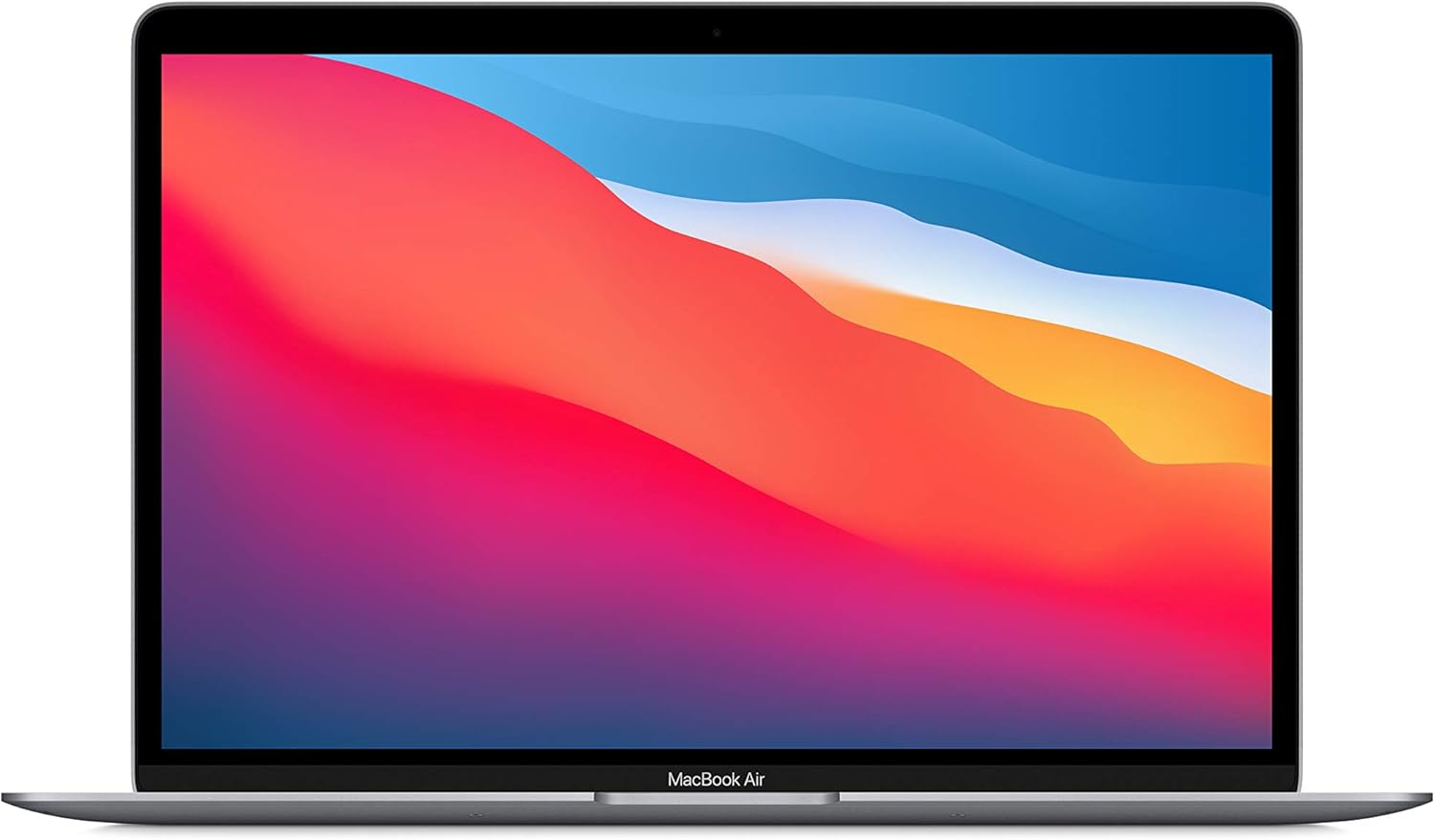
If you’re a student looking for an budget friendly laptop, for your academic needs and studies the MacBook Air is worth considering. Although it may not have all the bells and whistles compared to newer models its affordability and dependability make it a solid option for you to consider.
The sleek and portable design of this device makes it a perfect companion, for your college routine. Whether you’re dashing between classes or quietly studying in a cozy library nook. Without a fan to disrupt the silence with noise distractions that might hinder your focus on studying or working in any setting.
One notable aspect is its battery longevity; it can power through an entire day with ease on just one charge.That way you can focus on your studies without having to stress about finding a power source.The MacBook Air also provides plenty of ports so you can easily connect all the accessories for your academic tasks, like a mouse or external drive.
The MacBook Air is designed with the M1 chip to work effectively for a range of uses across different areas of study and work tasks. However if you’re into video editing or 3d design for your school projects or work projects it might be worth considering getting a model, with memory if you can afford it.
In a nutshelll the MacBook Air is a standout choice for students, like yourself who are looking for an budget friendly option to handle daily tasks effortlessly. Keep this model in mind as you embark on your academic journey.
2. Acer Nitro V 15 – Best Gaming Laptop for Students

If you’re looking for a gaming laptop that won’t break the bank balance too muchThe Acer Nitro V 15 is a good option to think aboutIt might not match up to the high end models but it delivers a solid 1080p gaming experience thanks to the Nvidia RTX 4050 GPU and Intels latest Core i5 processorYou can enjoy smooth gameplay with frame rates exceeding 60 frames, per second on a regular basisThis enhances the overall gaming experience significantly
The screen and the laptops outer appearance may not be the attention grabbing but they do serve their purpose well for gaming requirements. A heads up though. The 512GB SSD storage capacity might seem a bit restricted if you tend to gather a sizable collection of games.
If you’re looking to get the value out of your gaming experience without compromising on performance quality the Nitro V 15 is a great option for budget conscious gamers. While higher end models like the Gigabyte Aorus 15 BMF may offer specifications and a more eye catching design the Nitro V provides practicality while still delivering solid performance. It manages to find a spot between affordability and a satisfying gaming experience making it a wise choice, for gamers who want to enjoy top games without burning a hole in their pocket. Ready to jump into gaming without breaking the bank? The Nitro V 15 might just be the choice, for you.
3. Microsoft Surface Go 3 – Best 2-in-1 Laptop for Students
Looking for a budget flexible tablet to assist you in your academic pursuits? Consider the Microsoft Surface Go 3 as an option! While it may not offer the level of performance as the Surface Pro model does but its well suited for running essential programs and online tools necessary, for your studies.
Windows 11 powers the Surface Go 3 to offer an user experience that is easy to navigate for tasks such as using Clip Studio Paint for digital art projects with smooth performance overall; however it may struggle with more intensive tasks, like video editing or complex image processing.
The Surface Go 3 has a feature in its small and light build which is convenient, for carrying around easily and using in a classroom setting when complemented with the keyboard and stylus that need to be bought separately as accessories.
If you’re taking notes or joining classes and doing research for your assignments as a student every day. The Surface Go 3 is made to cater to all your academic tasks efficiently! Its portability and adaptability make it a handy choice for students with schedules and always in motion.If you’re looking to improve your study routine with an dependable 2, in one tablet option the Surface Go 3 is definitely worth checking out closely.
4. Apple MacBook Pro 16 – Best Powerful Laptop for Students
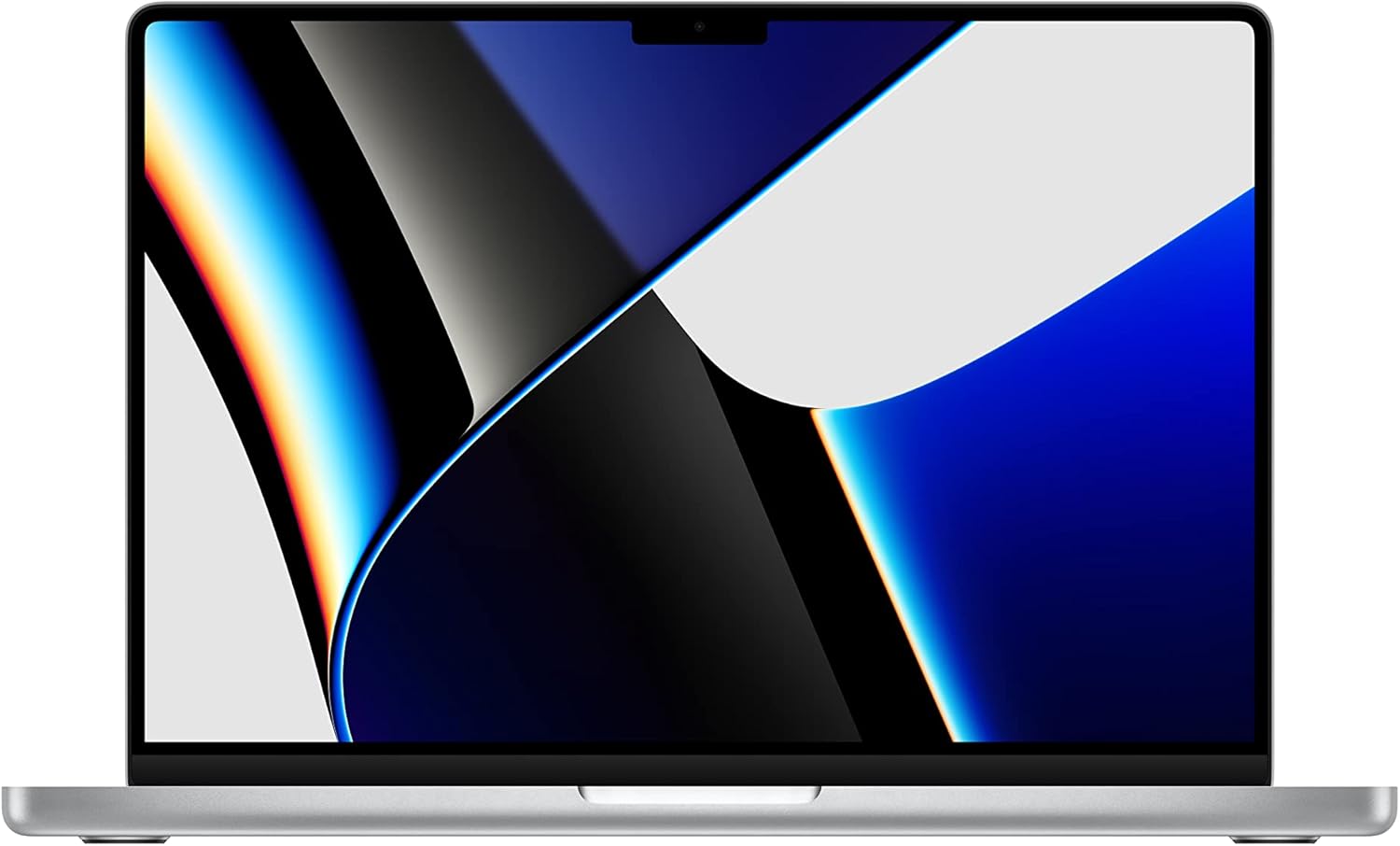
Are you a student looking for a high performance laptop that can handle tasks like 3 animation and graphic design with ease and efficiency ? Consider the MacBook Pro 16 as it may be the fit for your needs even though it comes at a premium cost; its capabilities make it a valuable investment for those serious, about their creative work.
When using software such as Blender for 3 dimensional tests or editing high quality videos in Da Vinci Resolve software platform on the MacBook Pro 16 is exceptional, for these tasks. It has the ability to substitute desktop configurations and offers seamless and prompt performance even when managing intricate projects.
The MacBook Pro 16 stands out for its battery performance allowing you to stay focused on your tasks for extended periods, without worrying about finding a power source. Perfect for late night study sessions or moments of creative inspiration.
Moreover the large 16 inch display offers plenty of space for handling tasks and detailed design projects effortlessly while enabling you to observe every aspect of your work without any sense of confinement.
If you’re truly passionate about your projects and willing to make a substantial investment, in your work tools the MacBook Pro 16 could be the perfect choice to support your ambitions and unlock your full potential.It’s an option to power through your tasks and drive your creativity forward.Consider incorporating the MacBook Pro 16 into your workflow for an experience.
5. Acer Aspire Go 15 – Best Budget Laptop for Students

The Acer Aspire Go 15 might not catch your eye with its design compared to other laptops out there. Its built to be a reliable partner for your daily tasks like web browsing or note taking in class with its Intel Core i3 N305 processor and 8GB RAM plus 128GB storage. Suitable, for light gaming too!
As a student managing your path on a budget friendly basis the Go 15 can serve as your trusted companion, for conducting researches writing essays and staying connected with your professors via email.Although it may not boast the cutting edge features of pricier alternatives it shines in its user friendliness enabling you to concentrate on what counts—your studies.Particularly noteworthy is its commendable 10 hour battery life enabling you to endure study sessions or library visits without fretting about locating a charging point.
The display on the 15 inch laptop doesn’t have colors that pop but provides clear visuals for handling documents and spreadsheets effectively—it’s, like a reliable tool that gets things done without any extra frills.
In a realm with options to choose from the Acer Aspire Go 15 emerges as a dependable and cost effective choice for students like yourself who prioritize both quality and affordability.It may not crave attention or admiration but rest assured it’s the laptop that will be by your side, during all those late night study sessions and demanding assignments.
Things to Consider Before Buying a Laptops for Student:
This guide is designed to help you navigate the important factors to consider before purchasing a laptop for your academic needs. As a student, you’ll want to choose a device that not only fits your budget but also meets your requirements for performance, portability, and battery life. From processing power to storage capacity, understanding what you need in a laptop can significantly enhance your productivity and learning experience. Let’s explore the key aspects that will ensure you make a well-informed decision tailored to your educational journey.
Chromebooks
Chromebooks are lightweight laptops that primarily operate on the Chrome OS, making them ideal for web-based applications. They are budget-friendly and have long battery life, which is perfect for students who need to take their devices to class. Additionally, their simplicity can help keep you focused on your coursework.
Windows Laptops
Now, Windows laptops offer a versatile computing experience, making them suitable for a range of academic tasks. Their compatibility with a wide variety of software applications means you can easily perform everything from data analysis to multimedia editing. With diverse brands and models available, you can find one that suits your style and budget.
Laptops running Windows also provide access to powerful productivity tools, making them ideal for students pursuing majors that require specialized software, like engineering or graphic design. With features such as touchscreen capabilities and detachable options, you have the flexibility to choose a model that fits your workflow perfectly.
MacBooks
Now, MacBooks are known for their sleek design and robust performance, making them a favorite among creative students. They come pre-installed with a suite of applications that cater to graphic design, video editing, and other multimedia tasks, providing out-of-the-box functionality for your projects.
For instance, the seamless integration with other Apple devices and a user-friendly operating system enhances productivity and collaboration, making MacBooks an attractive investment. Their durable build quality also ensures longevity, which is an necessary factor to consider during your purchase decision.
Performance Specifications
Important performance specifications to evaluate are the processor speed, RAM size, and storage type. These components significantly influence how well your laptop can handle tasks like multitasking, running software applications, and storing files. Prioritize models that offer a balance of these specifications to enhance your academic experience.
Battery Life
Some laptops come with varying battery life, which is pivotal for students who need a reliable device throughout the day. A model that lasts longer between charges can save you from the hassle of constantly searching for an outlet during classes or while studying at a café.
It’s advisable to look for laptops that offer a minimum of 8 hours of battery life. This will ensure that you can comfortably get through classes, assignments, and study sessions without needing to charge frequently. Additionally, consider models with fast-charging capabilities, as they can quickly regain power when you’re tight on time.
Portability
To maximize your productivity, choose a laptop that is lightweight and easy to carry. Portability is vital for students who may need to travel between classes or work in different locations, as a bulky device can become cumbersome over time.
With advancements in technology, many manufacturers now offer slim and lightweight models without compromising performance. Look for laptops weighing around 3 pounds or less, as they will be easier to fit into your backpack and transport throughout your day, ensuring you have your important tools on hand whenever you need them.
Specific Usage Needs
Little details about your usage needs can help you choose the perfect laptop. Whether you’re focused on programming, graphic design, or just writing papers, the specifications you need may vary significantly. Consider what software you’ll be using and whether the laptop has enough power and compatibility to run those applications smoothly.
Considerations like screen size, processing power, and storage capacity are vital when matching a laptop to your specific needs. If you’re into design, a high-resolution display and ample RAM will enhance your experience, whereas if you’re mostly writing and doing research, you might not need such robust specifications. Tailoring your choices to your usage will lead to a more satisfying and efficient computing experience.
Brand Reliability
Budget constraints often influence your decision, but brand reliability should also be a top priority. Some brands have established a reputation for durability and quality, which can save you money in the long run. Researching customer reviews and manufacturer warranties can provide insight into how trustworthy a particular brand may be.
Usage of a reliable brand ensures that you have access to quality support and customer service if issues arise. A trustworthy brand will likely provide better build quality and performance, reducing the chance of frequent repairs or replacements. Investing in a recognized brand can lead to a more productive and frustration-free experience throughout your educational journey.
Software Updates and Security
Laptop users like you must stay vigilant with software updates and security measures to protect your data. Regularly updating your operating system and installed applications ensures you have the latest features and bug fixes.
The importance of having updated antivirus software cannot be overstated. It actively shields your laptop from malware and security threats, safeguarding your personal information. Establish a routine for checking for software updates and consider enabling automatic updates whenever possible. By prioritizing software maintenance, you keep your device secure and efficient, allowing you to focus on your studies without disruption.
Conclusion
Hence, as you begin on the journey of buying a laptop for your studies, consider factors such as performance, battery life, portability, and budget. Assess your specific needs, whether it’s for running software, taking notes, or streaming lectures. By prioritizing these aspects, you can ensure that your investment aligns with your academic requirements and enhances your learning experience, ultimately making your educational journey more productive and enjoyable.
Leave a Reply